How to Set Up IPTV on Firestick 2026: Complete Guide
Discover the easiest way to install and configure IPTV on your Amazon Firestick in 2026. From sideloading to playlist activation, this guide covers everything.
How to Set Up IPTV on Firestick 2026: The Definitive Guide
If you are wondering how to set up IPTV on Firestick 2026, you are in the right place. The Amazon Firestick remains the most popular streaming device on the planet, and pairing it with a premium IPTV service like upiptv.cloud unlocks thousands of live channels, sports events, movies and series in 4K — all from a tiny HDMI dongle. In this complete walkthrough we will cover the latest Fire OS settings, the best IPTV players for 2026, the sideloading process, and a quick activation method that works even for total beginners.
Whether you just unboxed a new Firestick 4K Max or you are reusing an older Fire TV Stick Lite, this tutorial applies to every model currently sold in 2026. By the end, your device will be streaming flawlessly in under ten minutes.
Why the Firestick Is the Best IPTV Device in 2026
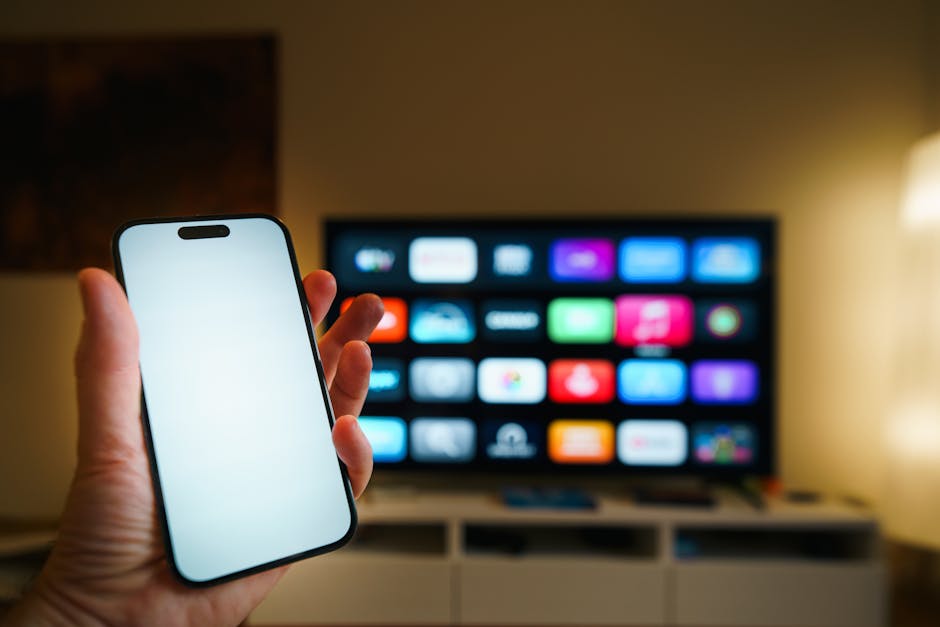
The Firestick combines an affordable price tag with a powerful quad-core processor, Wi-Fi 6E support on the newer models, and the open Android-based Fire OS. That openness is exactly what makes it the perfect IPTV companion. Unlike Apple TV or some closed Smart TVs, the Firestick lets you sideload third-party apps freely.
Key advantages
- Compact, portable and travel-friendly
- Supports 4K HDR10+, Dolby Vision and Dolby Atmos
- Compatible with every major IPTV player (IPTV Smarters, TiviMate, XCIQ)
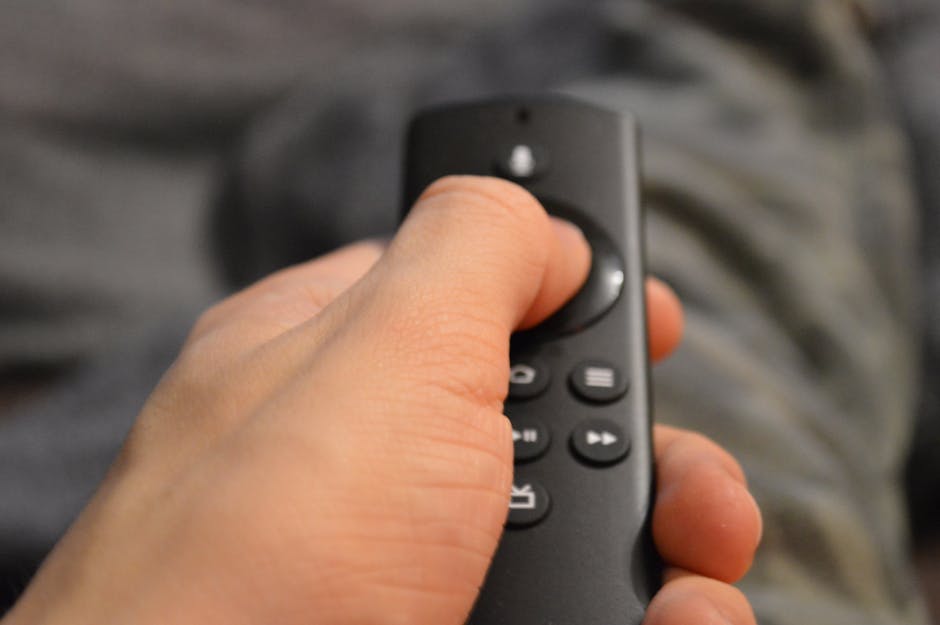
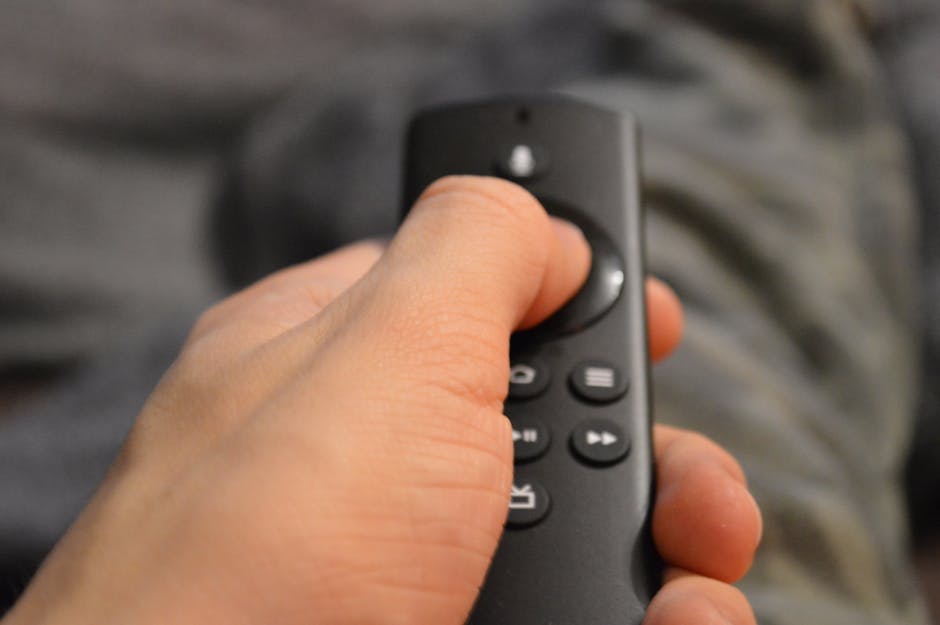
- Alexa voice remote for hands-free channel search
- Costs less than €60 brand new
Before going further, make sure you already have an active subscription. You can view our pricing plans and pick the one that matches your household needs.
What You Need Before You Start
A successful IPTV setup depends on a few essentials. Take a minute to gather everything below so you don't have to interrupt the process halfway through.
- An Amazon Firestick (any model from 2018 onwards)
- A stable internet connection of at least 25 Mbps for 4K streams
- Your Amazon account credentials
- Your IPTV subscription credentials (M3U URL or Xtream Codes API)
- A VPN if your ISP throttles streaming traffic (optional but recommended)
If you don't yet have credentials, contact our team through the support page and you'll receive your line within minutes after payment.
Step-by-Step: How to Set Up IPTV on Firestick 2026
Here is the exact procedure that we recommend in 2026. It works on Fire OS 8 and above.
Step 1 – Enable apps from unknown sources
From the Firestick home screen go to Settings → My Fire TV → Developer Options → Install Unknown Apps. If you don't see Developer Options, click seven times on the Fire TV name in About to unlock it. Then enable installation for the Downloader app.
Step 2 – Install the Downloader app
Open the magnifying glass, search for Downloader, install it and launch it. Accept the permissions when prompted.
Step 3 – Sideload your IPTV player
Inside Downloader, type the URL of the official IPTV Smarters Pro or TiviMate APK. The app will be downloaded and installed automatically. Confirm and click Open.
Step 4 – Enter your playlist details
Choose the option Add Xtream Codes API or Add M3U URL. Paste the host, username and password supplied by upiptv.cloud. The app will then pull your full channel list, EPG and VOD library.
Step 5 – Enjoy
Within seconds you will see categories such as Sports, News, Movies, Kids and international packs. Browse the full channel lineup to discover what is included with your plan.
Best IPTV Apps for Firestick in 2026
Not every player is created equal. The table below compares the four most reliable options for 2026.
| App | Price | EPG Support | Multi-screen | Best For |
|---|---|---|---|---|
| IPTV Smarters Pro | Free | Yes | Yes | Beginners |
| TiviMate Premium | $19.99/year | Excellent | Yes | Power users |
| XCIQ | Free | Good | No | Xtream codes |
| Perfect Player | Free | Yes | No | Minimalists |
For 90% of users, TiviMate offers the smoothest experience in 2026 thanks to its lightning-fast EPG and beautiful interface. IPTV Smarters Pro remains the easiest entry point for non-technical viewers.
Troubleshooting Common Issues
Even with a clean install, you may occasionally run into hiccups. Here are the most common problems and their fixes.
- Buffering on 4K streams: switch your router to the 5 GHz band or use Ethernet via a Fire TV adapter.
- EPG not loading: wait a few minutes after first login or refresh the guide from app settings.
- App freezes on launch: clear cache from Settings → Applications → Manage Installed Applications.
- Black screen on certain channels: enable hardware decoder in the player options.
- Channels missing: verify your subscription is active by checking our FAQ section.
Pro Tips to Get the Most Out of Your Firestick

Once your IPTV is working, a few extra tweaks will push the experience to the next level.
- Use the Alexa remote to search live channels by voice ("Alexa, open TiviMate").
- Restart the Firestick once a week to free RAM.
- Connect through a Gigabit Ethernet adapter if you stream 4K constantly.
- Activate Dolby Vision under Display & Sounds for cinematic colors.
- Subscribe to multiple devices simultaneously — read our blog for the latest multi-screen guides.
Following these recommendations will keep your IPTV stream smooth, sharp and stable throughout 2026 and beyond.
Conclusion

Learning how to set up IPTV on Firestick 2026 takes less than ten minutes once you know the steps: enable unknown sources, sideload a quality player, paste your credentials and you're done. The Firestick combined with upiptv.cloud delivers a premium living-room experience at a fraction of the cost of cable. Get started today and enjoy thousands of channels in crystal-clear quality from the very first night.
FAQ
Yes. Installing an IPTV player and using a licensed provider like upiptv.cloud is perfectly legal. Only unlicensed pirate streams are illegal.
A VPN is not mandatory but recommended if your ISP throttles streaming traffic. It also adds extra privacy.
The Firestick 4K Max (2nd gen) is the top choice in 2026 thanks to Wi-Fi 6E support and a faster processor.
Yes, with our multi-screen plans available on the pricing page. A single-line plan supports one device at a time.
Buffering usually comes from slow Wi-Fi. Switch to 5 GHz, use Ethernet, or restart the device to clear cache.