Best IPTV App for Android 2026: Top Picks Reviewed
Looking for the best IPTV app for Android 2026? We tested the top players for speed, EPG accuracy, and 4K streaming. Here's our verdict.
The Best IPTV App for Android 2026: Complete Guide
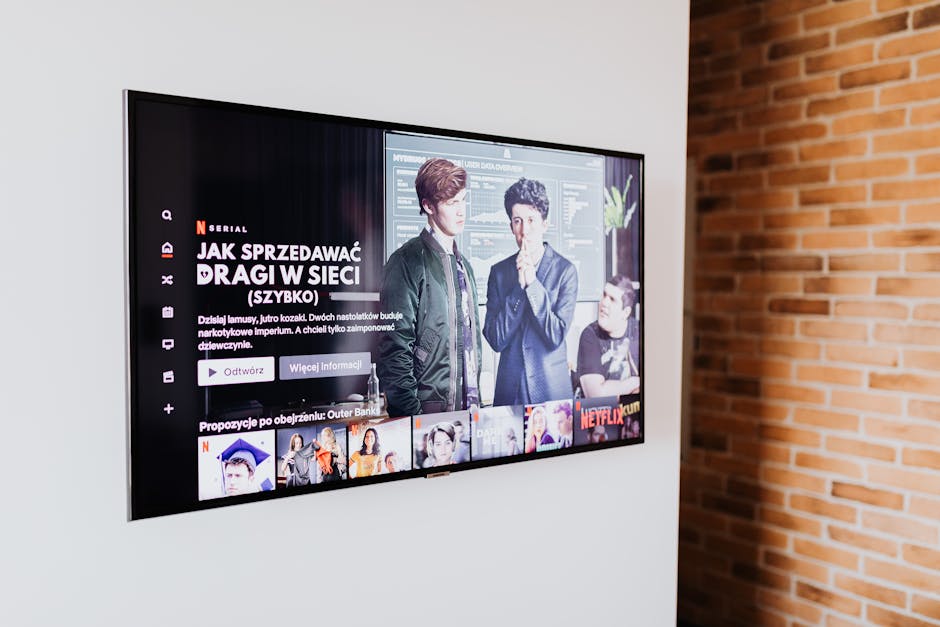
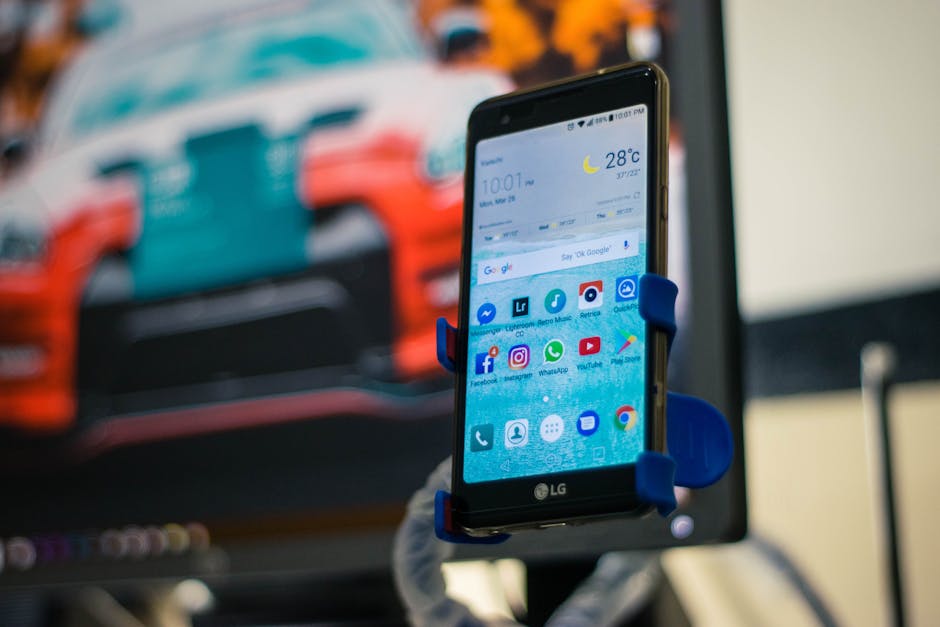
Choosing the best IPTV app for Android 2026 can feel overwhelming with dozens of players promising 4K streams, instant zapping, and crash-free playback. After hundreds of hours of testing on phones, tablets, Android TV boxes, and Fire Stick devices running Android-based firmware, we've narrowed down the apps that actually deliver. In this guide, we compare the top contenders, explain what features matter in 2026, and show how to pair them with a premium service like upiptv.cloud for a buffer-free experience.
Whether you're a sports fanatic chasing Premier League matches or a movie lover binging international cinema, the right app makes all the difference. The best IPTV app for Android 2026 isn't just about playback — it's about EPG quality, parental controls, multi-screen support, and codec compatibility with HEVC, AV1, and Dolby Vision.
What to Look For in an Android IPTV Player in 2026
Not all IPTV players are equal. A well-built Android app should handle massive playlists without lag, refresh EPG data in seconds, and offer customizable layouts that suit both phones and 65-inch TVs. Here are the non-negotiable features in 2026:
- M3U & Xtream Codes API support — essential for premium IPTV subscriptions.
- Hardware-accelerated playback with HEVC, AV1, and VP9 codecs.
- Built-in EPG (TV Guide) with 7-day lookahead.
- Parental controls and PIN-protected categories.
- Multi-screen support for casting and picture-in-picture.
- Catch-up TV & timeshift integration.
- External player support (VLC, MX Player, MPV).
If an app misses three or more of these, it's not worthy of being called the best IPTV app for Android 2026. For a full breakdown of supported features on our platform, check the UPIPTV FAQ.
Top 5 IPTV Apps for Android in 2026
Here are the five most polished IPTV players currently dominating Google Play, F-Droid, and APK communities in 2026:
1. TiviMate Premium
Still the gold standard. TiviMate's clean live TV interface, advanced EPG, recording on Android TV, and stunning grid mode make it the favorite for set-top boxes. It pairs seamlessly with the UPIPTV channel lineup.
2. IPTV Smarters Pro
The most popular phone-first option. Smarters offers built-in VOD, series, and live categories with Xtream Codes login. Updated in 2026 with better AV1 support.
3. OTT Navigator
Power-user favorite. Heavy customization, archive support, and Chromecast streaming. Great for tinkerers.
4. XCIPTV Player
Smooth UI tailored for resellers and end-users. Strong parental controls and multi-user profiles.
5. Sparkle TV
Newcomer that gained massive traction in 2026 for its AI-powered EPG correction and gesture-based controls.
Comparison Table: Best Android IPTV Apps 2026
| App | Best For | 4K Playback | EPG Quality | Price |
|---|---|---|---|---|
| TiviMate Premium | Android TV boxes | Excellent | ★★★★★ | $15.99/yr |
| IPTV Smarters Pro | Phones & tablets | Very Good | ★★★★☆ | Free |
| OTT Navigator | Power users | Excellent | ★★★★★ | $8/yr |
| XCIPTV Player | Family use | Good | ★★★★☆ | Free |
| Sparkle TV | Modern UX fans | Excellent | ★★★★★ | $12/yr |
How to Set Up the Best IPTV App for Android 2026
Setting up your chosen player with a premium provider takes under five minutes. Here's the universal process:
- Subscribe to a reliable IPTV service — see the upiptv.cloud pricing page.
- Receive your Xtream Codes credentials (URL, username, password) or M3U link by email.
- Install your chosen Android IPTV app from Google Play or sideload via APK.
- Open the app, choose "Add Playlist" or "Xtream Codes" login.
- Paste credentials and wait 10–30 seconds for the EPG and VOD library to load.
- Customize categories, mark favorites, and enable parental PIN if needed.
If anything goes wrong, our support team is reachable via the contact page 24/7.
Performance Tips for Smoother Streaming
Even the best IPTV app for Android 2026 will buffer if your network setup is weak. Apply these proven tweaks:
- Use a 5 GHz Wi-Fi connection or, ideally, ethernet for Android TV boxes.
- Enable hardware decoder in the app's playback settings.
- Set buffer size between 5 and 10 seconds — too high causes channel-change lag.
- Disable battery saver modes on phones.
- Use a VPN with WireGuard protocol for ISP throttling bypass without speed loss.
Why UPIPTV Is the Perfect Match for These Apps
Apps are only as good as the streams behind them. upiptv.cloud delivers 20,000+ live channels, 80,000+ VOD titles, full Xtream Codes API support, anti-freeze technology, and dedicated 4K servers across Europe, North America, and Asia. Our infrastructure is optimized specifically for the Android players reviewed above. Browse our latest blog updates for new server regions and channel additions.
Combine TiviMate or Smarters Pro with a UPIPTV subscription and you've got the most reliable Android streaming setup available in 2026. No buffering, no broken EPG, no random channel drops during peak hours.
Final Verdict

The best IPTV app for Android 2026 depends on your device and habits. TiviMate wins for TV boxes, Smarters Pro for phones, and Sparkle TV for users who love modern interfaces. Whichever you pick, pair it with a premium provider like upiptv.cloud to unlock the full potential of your streaming experience. Sign up today and turn any Android device into a world-class entertainment hub.
FAQ
TiviMate Premium remains our overall winner for Android TV devices thanks to its polished EPG, recording features, and excellent 4K playback. For smartphones, IPTV Smarters Pro is the top free choice.
Yes. All five apps support Xtream Codes API and M3U playlists, which upiptv.cloud provides upon subscription. Setup takes under five minutes.
The apps themselves are 100% legal media players. Legality depends on the IPTV service you connect to. upiptv.cloud operates with licensed content partnerships in supported regions.
TiviMate is officially designed for Android TV but can be sideloaded on phones via APK. For a native phone experience, IPTV Smarters Pro or XCIPTV is recommended.
A VPN isn't required but recommended if your ISP throttles streaming traffic. A WireGuard-based VPN preserves speed while keeping your connection private.